Managing Budgets in Translucent
Edited
In this article, you'll learn how to preview and manage budgets in Translucent.
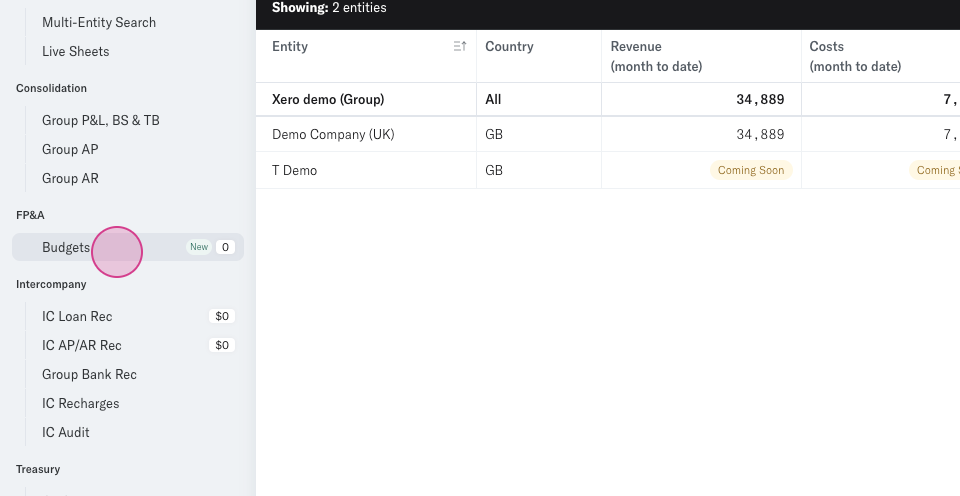
Step 1: Log into Translucent and navigate to the side menu on the left. Find the FPA section and click Budgets.
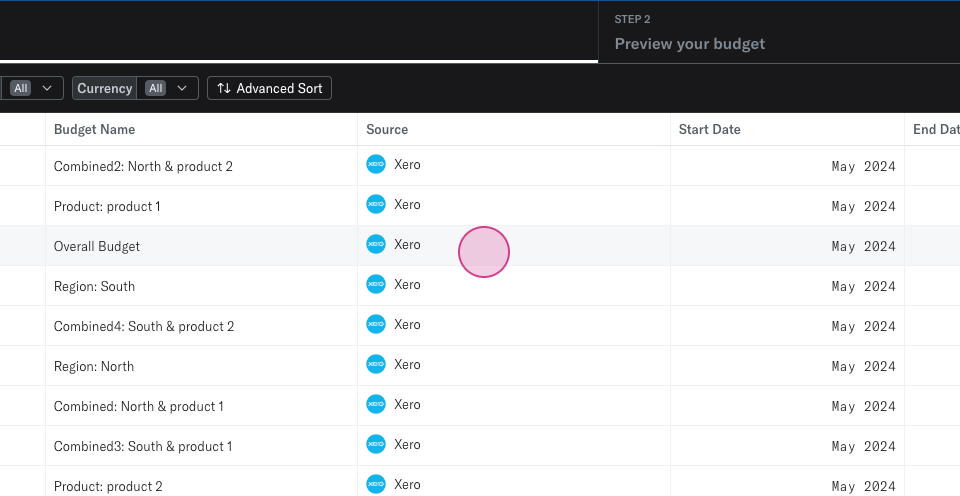
Step 2: You'll now see a list of all budgets that have synced from Xero or QuickBooks. Click on any budget to preview it.
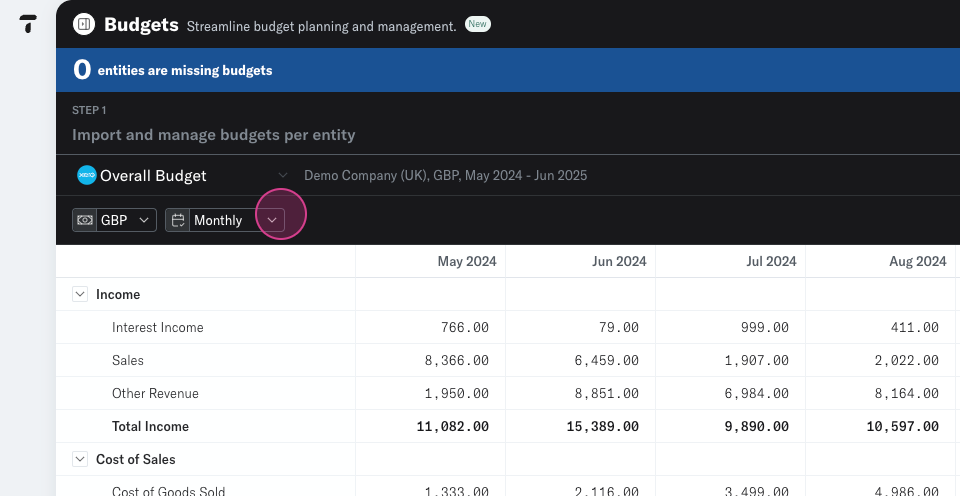
Step 3: After clicking on a budget, you'll see the budgeted information. This data is synced directly from Xero or QuickBooks.
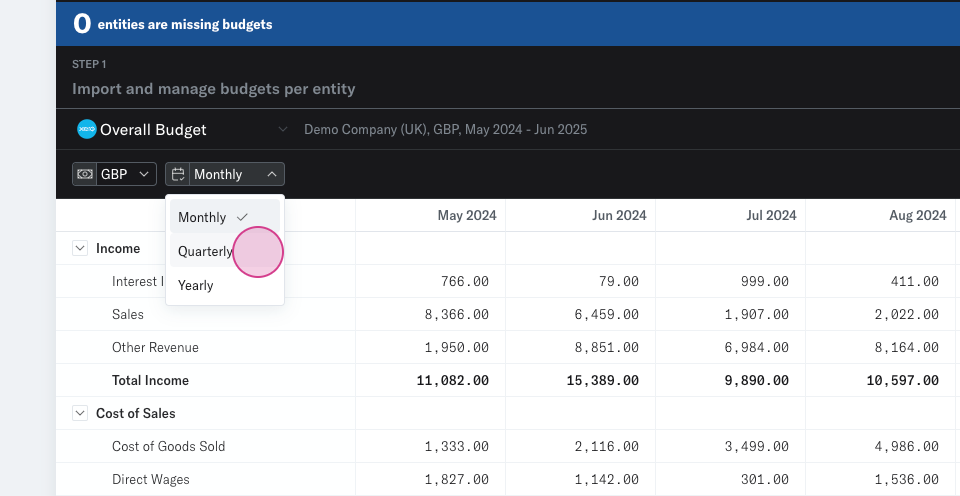
Step 4: Choose how you want to view this budgeted information. You have the option to view it monthly, quarterly or annually.